 Lights Out
For Android
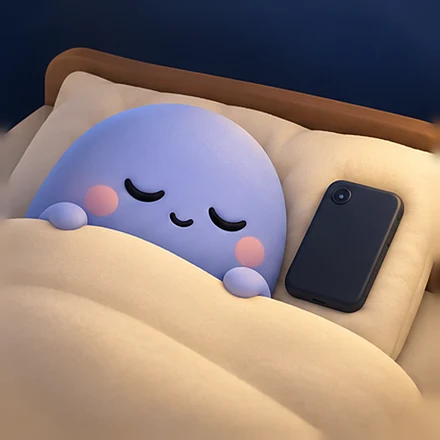
Put the phone to bed. Then you.
Lights Out locks Instagram, YouTube and your other scrolling apps from bedtime until the morning. Every night, on its own. Calls and alarms always work.
See how it worksComing soon on Google Play.
How it works
Set it once. After that you do nothing: the lock starts at bedtime and ends after you wake up.
Pick your bedtime
Choose when you want to be asleep and when you wake up. Keep the first hour after waking phone-free if you like.
Choose what to lock
Instagram, YouTube, Snapchat, browsers and other apps you scroll at night. You pick the list.
Lights out, every night
At bedtime a full-screen lock covers those apps until your wake-up time. It starts automatically, every night.
What gets locked, and what never does
Only the apps that keep you up. Everything you might need at night stays open.
Locked at night
- YouTube
- Snapchat
- Chrome and other browsers
- Short-video apps
You choose the list. WhatsApp, games and streaming apps are off unless you add them.
Never locked
- Phone calls
- Messages
- Clock and alarms
- Calendar
- Maps
- UPI and bank apps
Your keyboard, home screen and Lights Out itself are never locked either.
Instagram opens at 8:00 AM.
One more reel meets a closed door
Open a locked app after bedtime and Lights Out covers it with a calm full-screen lock. One tap takes you home.
- Warnings 30 and 15 minutes before bedtime
- Starts by itself every night, no button to press
- Changes you make during the lock start from tomorrow
- A real emergency? Once a night, wait 30 seconds and type a sentence to open one app for 5 minutes
Streaks that count real nights
Every morning you see how long you stayed off the phone and which apps tried to pull you back.
A night counts when you used the phone for 15 minutes or less after bedtime and the lock stayed on. Use the emergency unlock or switch the lock off, and the streak starts again. Honest, so it means something.
A widget for your home screen
See the countdown to bedtime and your week at a glance, without opening the app. Green nights you kept, red nights you didn't.
Questions
Will I miss calls or alarms?
No. Phone calls, messages, clock and alarms are never locked. Only the apps you choose are covered.
What if I really need an app at night?
Once a night you can use the emergency unlock: wait 30 seconds, type the sentence on screen, and that app opens for 5 minutes. It resets your streak, so it stays a real emergency.
Do I have to start it every night?
No. Once you set your bedtime and wake time, the lock starts and ends on its own every night.
Which permissions does it need?
Usage access, to know which app is open; Display over other apps, to show the lock screen; and Alarms and reminders, to start and stop on time. Notification access and uninstall protection are optional. Lights Out does not use the Accessibility service.
Does my usage data leave my phone?
No. Which apps you open, and when, is checked on your phone and is not sent to us. See the privacy policy for the limited analytics and purchase data we do process.
How much does it cost?
Lights Out is a paid app with a yearly plan, billed through Google Play. You see the price in the app before you pay, and you can cancel any time in Google Play.
Is it on iPhone?
Not yet. Lights Out is for Android first.
How do I get help?
Email help@regainapp.ai. A real person replies.
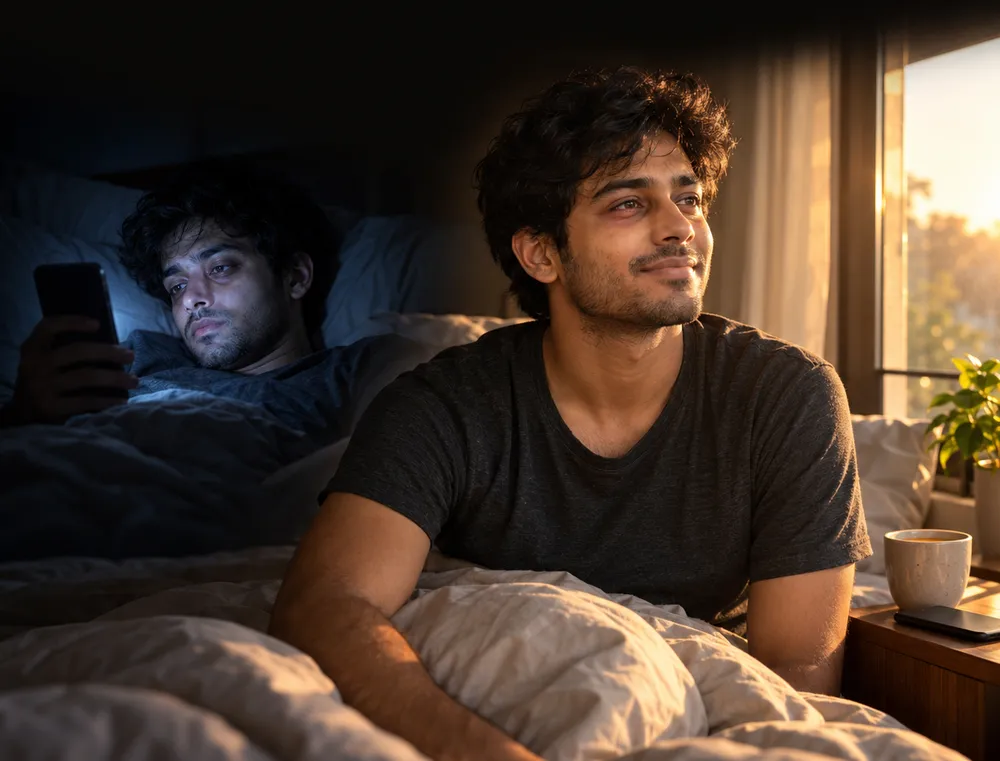
Sleep on time, every night
Coming soon on Google Play.